Paperless-ngx Tutorial: Build an Electronic Document Archive with Docker and OCRskill
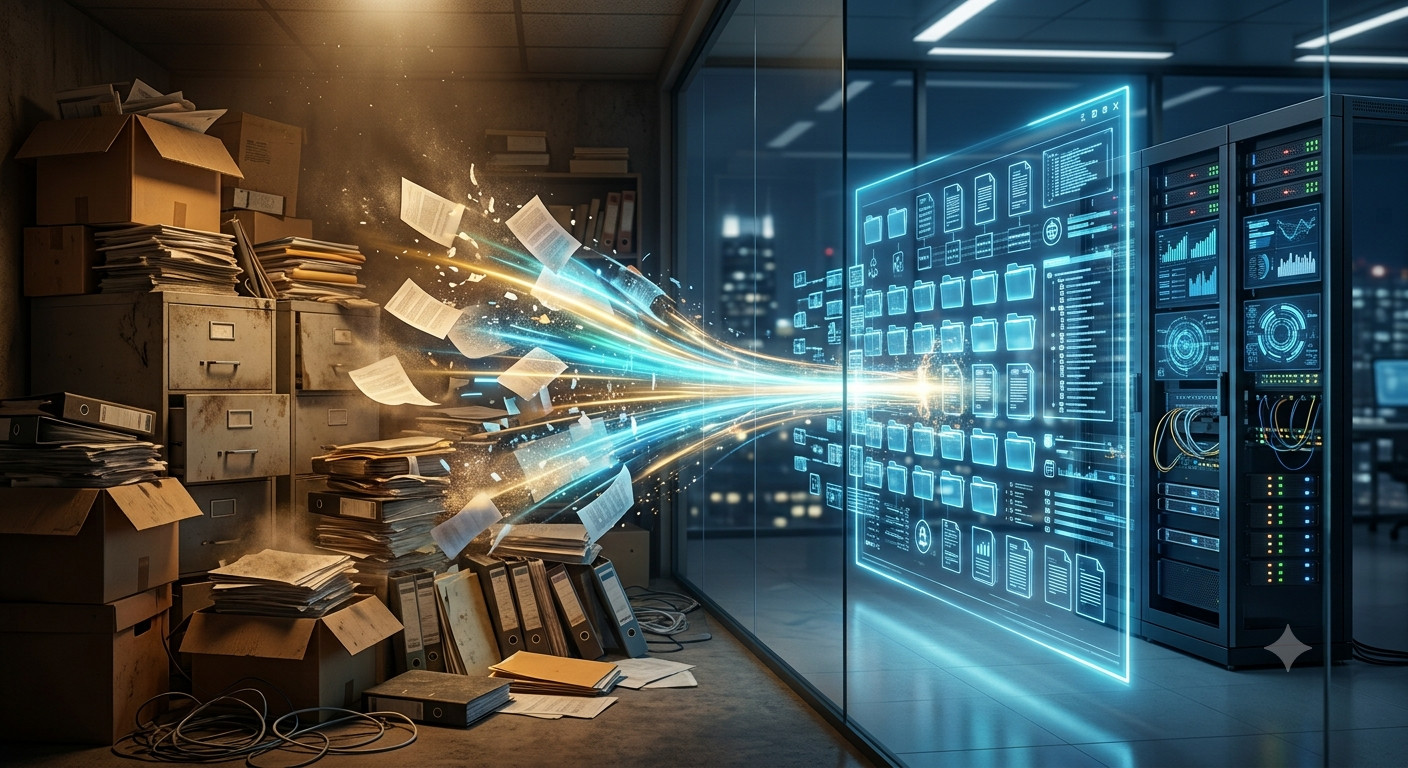
There is a room in your office that nobody wants to enter. It is full of cardboard boxes, binders, and folders labeled “2019”, “Invoices”, “Contracts”, or, worse, “Misc”. Every time an employee needs an old document, they disappear for twenty minutes and come back dusty, frustrated, and often empty-handed.
That room is not an archive. It is a liability. It eats square meters, slows down every audit, and makes your company feel smaller than it is.
The good news is that you can replace it with a single server, a scanner, and a smart document management system. This Paperless-ngx tutorial explains how to build a powerful electronic document archive using Paperless-ngx Docker Compose and OCRskill, without turning you into a system administrator.
The Goal: A Searchable Electronic Document Archive That Organizes Itself
The end state is simple. You scan a pile of paper, drop the files into a shared folder, and walk away. Within minutes the agentic archive:
- reads the text from each page using agentic OCR,
- guesses the document type, the issue date, and the correspondent,
- files everything into a predictable folder structure,
- makes every word searchable from a web browser.
When you later need the July 2024 invoice from a specific supplier, you type the supplier name and the month. The document appears instantly. No dust. No guessing.
What Paperless-ngx Gives You as a Document Management System
Paperless-ngx is an open-source document management system. Think of it as the engine room of the electronic document archive. It handles the parts you do not want to do manually.
- Scan ingest. You drop PDFs or images into a “consume” folder, and Paperless picks them up automatically.
- OCR and full-text search. Every scanned page becomes searchable text, even if the original is just a photo of a paper sheet.
- Browser-based access. Your team logs in through a normal web address, no software installation on every laptop.
- Tags, document types, and correspondents. Instead of one giant folder, documents are labeled by category, sender, and date.
- Long-term storage. Processed documents are written to a dedicated archive folder in a clean format.
In short, Paperless-ngx turns paper into indexed digital files. It is the foundation of your electronic archive.
What OCRskill Adds: Agentic OCR and Smart Classification
Paperless-ngx is powerful, but someone still has to decide whether a file is an invoice, a contract, or a delivery note. Someone still has to enter the supplier name and the date. On a busy day, that someone is you.
OCRskill removes that busywork by introducing agentic OCR. The integration works through a Paperless-ngx workflow that triggers when a new document is consumed. The document is sent to OCRskill, which reads the OCR text and returns structured metadata:
- Document type — invoice, contract, receipt, delivery note, etc.
- Issue date — the real date printed on the document, not the day it was scanned.
- Correspondent — the client, supplier, partner, or authority that sent it.
- Review flag — if the document is unreadable, unrelated, or suspicious, the system flags it instead of filing it blindly.
Paperless then uses these values to rename, tag, and organize the file. You get a clean agentic archive without anyone typing a single label.
The Folder Structure That Makes Sense
A good electronic document archive is predictable. If you know the date, the type, and the correspondent, you already know where the file lives.
The deployment uses a format like this:
2026/Invoice/07-July/Supplier-Name-Original-File-123.pdf
Reading from left to right:
2026— the year the document was issued.Invoice— the document type.07-July— the month the document was issued.Supplier-Name-Original-File-123.pdf— the correspondent, original filename, and a unique document ID.
This means your accounting, legal, HR, and operations folders all follow the same logic. No more “Misc”. No more “scanned_document_0002.pdf” hiding somewhere on a USB stick.
How The Paperless-ngx Docker Compose Deployment Fits In
You do not need a data center. The whole system runs on a single Linux server using Paperless-ngx Docker Compose. The deployment tutorial in the ocrskill.com-paperless repository sets up:
- an Ubuntu virtual machine,
- Docker and the Paperless-ngx container,
- two network folders: one for scans and one for the finished archive,
- HTTPS access through a reverse proxy called Traefik,
- automatic consumption of anything placed in the scans folder.
For a non-technical owner, this is usually a one-time setup done by your IT person or a contractor. Once it is running, the day-to-day work is just scanning and occasional spot-checking. You can find the official Paperless-ngx documentation at docs.paperless-ngx.com for a deeper look at the platform itself.
A Day In The Life Of The Agentic Archive
Here is what the routine looks like after your document management system is live.
- Morning scan. Your office manager scans twenty invoices and saves them to the shared scans folder.
- Automatic ingestion. Paperless-ngx sees the new files, runs standard OCR, and creates searchable records.
- Smart classification. OCRskill’s agentic OCR reads each document, decides it is an invoice, extracts the supplier and issue date, and updates the metadata.
- Neat filing. Paperless moves the files into the electronic archive under the correct year, type, and month.
- Instant retrieval. Later that afternoon, you search for “Acme July 2026” and the invoice appears in seconds.
During an audit, you can export a date range in minutes. During a supplier dispute, you can find the signed contract before the phone call ends.
Who This Is For
This Paperless-ngx tutorial setup is built for any organization that is drowning in paper. The most common fits are:
- companies with years of invoices, receipts, and purchase orders,
- law firms or consultancies with contracts and case files,
- HR departments storing employee documents,
- logistics teams juggling delivery notes and customs paperwork,
- compliance-heavy businesses that need clean, date-stamped archives,
- any owner who is tired of paying for storage rooms full of boxes.
Practical Rollout Plan
Moving an entire archive to a document management system in one weekend is tempting and risky. A safer path is:
- Start with one category. Pick invoices, contracts, or delivery notes. Scan one week of new documents and see how the classification performs.
- Validate the structure. Open the archive folder and confirm the files are landing in the right year/type/month path.
- Spot-check OCRskill results. For the first few hundred documents, check a sample of classification results and correct any recurring mistakes.
- Backfill the old archive. Once the workflow is reliable, start scanning older boxes in small batches.
- Retire the filing cabinets. When the digital archive is complete, shred and reclaim the room.
Frequently Asked Questions
Is Paperless-ngx Docker the right choice for a small business?
Yes. Running Paperless-ngx Docker on a single Linux server is one of the cleanest ways to get a production-grade electronic document archive without expensive software licenses. The entire stack is packaged in containers, so updates and backups are predictable. For a small business, this means one setup fee to an IT contractor and then a low ongoing cost.
Can I run Paperless-ngx on a Synology NAS?
Yes. A Paperless-ngx Synology installation is possible because Synology devices support Docker and Docker Compose. The same consume and archive folder concepts apply, but you will map them to shared folders on the NAS instead of Linux server paths. Many offices already use a Synology as a file server, so this can be a convenient and cost-effective route for your document management system.
What is an agentic archive?
An agentic archive is a document archive that does more than store files. It uses an AI agent to read, classify, and route each document automatically. Instead of a human deciding where a file goes, the agent looks at the content, extracts the document type, date, and correspondent, and files it in the right place. The archive behaves like a digital filing clerk that works around the clock.
What is agentic OCR?
Agentic OCR goes beyond traditional text extraction. Standard OCR turns a scanned page into plain text. Agentic OCR uses an AI agent to understand the document, pull out the exact fields you care about, and decide what action to take. In this setup, agentic OCR is what lets OCRskill turn a scanned invoice into a structured record with supplier, date, and document type already filled in.
Do I need to keep the original paper after scanning?
That depends on your local regulations and your accountant’s advice. The electronic document archive gives you searchable PDFs with full-text indexes, which is usually enough for day-to-day operations. Many businesses keep paper for a legally required period and then shred it once the digital copy is verified. Always confirm retention rules for your country and industry.
How long does the setup take?
A first Paperless-ngx Docker Compose deployment usually takes a few hours to a day, depending on your network and how the scan and archive folders are mounted. After that, the workflow is automatic. The slow part is usually scanning the historical boxes, not the software setup.
Conclusion
A paper archive is not just a storage problem. It is a search problem, a compliance problem, and a daily tax on your team’s attention.
With Paperless-ngx Docker Compose and OCRskill, you can replace the boxes with a server that organizes itself. You keep the documents. You lose the dust. And the next time someone asks for a five-year-old contract, you find it before they finish their coffee.
If you want to explore the technical side, the deployment tutorial in the ocrskill/paperless-ngx repository contains the full configuration. For the document intelligence that makes the agentic archive self-organizing, ocrskill.com is the place to start.