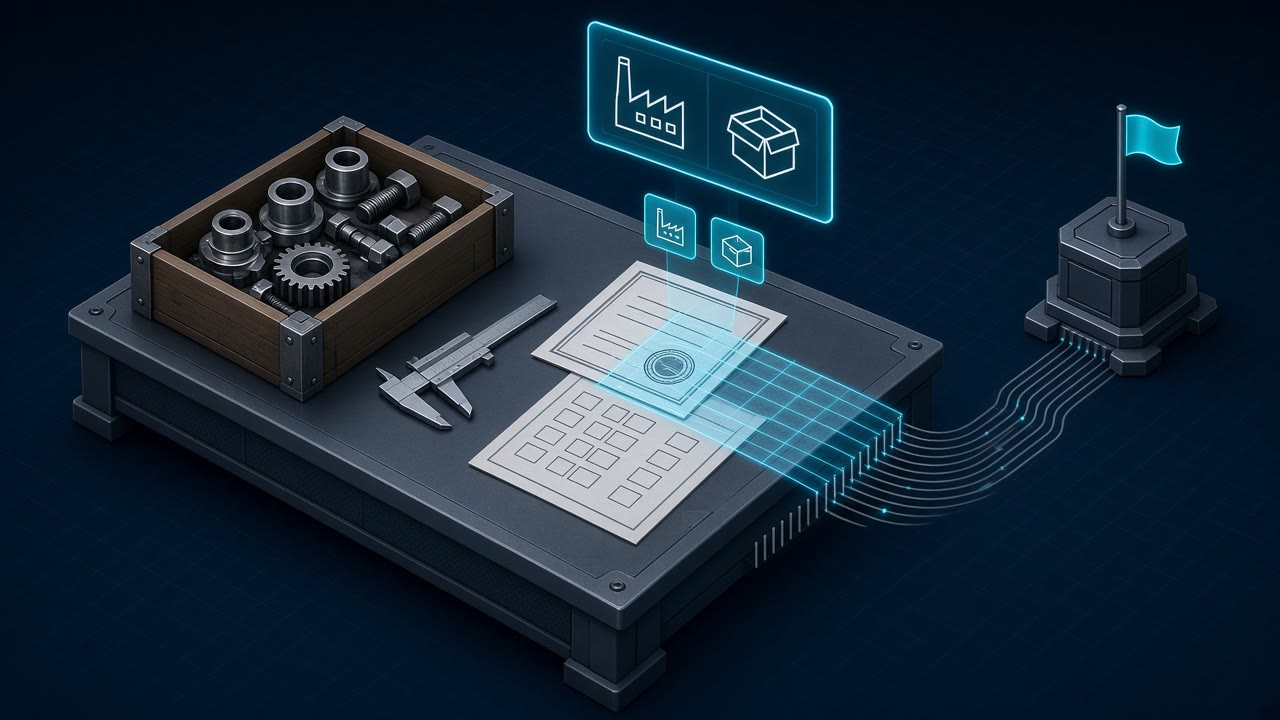
OCR Incoming Inspection: Read IQC Check Sheets, CoAs, and Receiving Reports
If you searched for OCR incoming inspection, you are not looking for a municipal fire notice tool and you are not looking for another wall of unstructured text. You have receiving and IQC paperwork (check sheets, certificates of analysis, material certs, first-article packets) arriving as PDFs, portal exports, or phone photos, and you need text and a few named values your quality or receiving system can store and search. Short answer: run Markdown OCR on every page so lot numbers, measured values, and dispositions stay readable; pull supplier and party headers as typed JSON when those keys exist in your field catalog; then validate against the purchase order and the inspection plan in your own code. OCRskill covers the extraction half with POST /ocr and POST /ocr.json?fields=.... It does not accept or reject the lot, and it does not replace your QMS.
This post is about document OCR for plant incoming / receiving inspection packets. It is not an archive blueprint. For document types, intake folders, and a Paperless-ngx tree around CoAs and inspection packets, use the manufacturing paperless document workflow. For line-item reconciliation of supplier packing lists at the dock, use packing list OCR. For fire, health, and building inspection notices (a different document class), use OCR for scanned inspection notice documents.
What “incoming inspection” paperwork actually is
ASQ defines inspection as measuring, examining, testing, or gauging characteristics and comparing the results with specified requirements to decide conformity. Incoming inspection (also called receiving inspection or incoming goods inspection) is that gate at the plant door: materials and parts are checked against the purchase order, drawings, and quality requirements before they enter inventory or production.
The paperwork that travels with that gate is messy on purpose. A single receipt can mix:
| Document | Who produces it | What OCR usually sees |
|---|---|---|
| Receiving / IQC check sheet | Your plant | Checkboxes, sample sizes, measured values, pass/fail, inspector initials |
| Certificate of analysis (CoA) / certificate of conformance (CoC) | Supplier or lab | Header identity, lot or heat, specs vs results, signatures |
| Material / mill certificate | Mill or distributor | Chemistry or mechanical tables, heat numbers, standards referenced |
| First-article / FAIR support pages | Supplier or your IQC | Characteristic lists, measured values, drawing references |
| Supplier inspection report | Third-party or vendor QC | Sampling plan notes, defect counts, overall disposition |
Buyers who type “OCR incoming inspection” usually want four properties at once:
- Searchable text so a lot-trace or customer audit can find the packet in seconds
- A few stable header fields (supplier name, sometimes a date or party) for filters and tags
- Tables left intact so characteristics, tolerances, and results are not flattened into one paragraph
- A review path for handwriting, oily dock photos, and any disposition that must stay a human decision
Plain scan-to-PDF helps storage. Automation needs Markdown for the page, typed JSON for the keys your catalog supports, and code you control for everything else.
Extraction vs disposition (do not mix the jobs)
Search results for quality OCR often blur two products:
| Job | What it answers | Typical owner |
|---|---|---|
| Document data extraction | What values are printed or filled on this page? | OCR / document AI API |
| Incoming inspection / disposition | Does this lot meet the plan, and may it enter stock? | IQC, QMS, MES, ERP |
Extraction pulls company_name or a measured-value table from pixels. Disposition covers sampling plans, AQL rules, hold/release, NCR creation, and lot genealogy. A solid design keeps them separate: extract and archive first, then decide acceptance in the systems built for those risks.
OCRskill is the extraction layer. Wire it beside your QMS; do not treat a successful JSON response as a released lot.
Markdown for the check sheet, typed JSON for the header
OCRskill exposes both contracts on the same Bearer-token auth. POST /ocr returns Markdown for any page. POST /ocr.json returns typed JSON for the fields you list. Both accept images (PNG, JPEG, WebP, GIF, BMP, TIFF) and documents including PDF, Word, Excel, and CSV, up to 20 MB per request. A free key from get-key.json is enough to test.
Start with Markdown for every incoming inspection packet. That is where lot tags, characteristic tables, and handwritten notes live:
curl https://api.ocrskill.com/get-key.json

export API_KEY="sk-your-key-here"

curl https://api.ocrskill.com/ocr \
  -H "Authorization: Bearer $API_KEY" \
  -F "file=@incoming-inspection-check-sheet.pdf" > incoming-inspection.md
On a clean scan you typically get labeled header lines plus a table of characteristics. An abbreviated fictional example:
# Incoming Inspection Report

Supplier: Example Metals GmbH
PO: 4500019920  Lot / Heat: H-44821
Part: BRG-6205-ZZ  Qty received: 500 PCS
Inspection date: 2026-10-16  Inspector: M. Costa

<table>
  <tr><th>Characteristic</th><th>Spec</th><th>Measured</th><th>Result</th></tr>
  <tr><td>OD</td><td>52.00 ± 0.05 mm</td><td>52.02</td><td>Pass</td></tr>
  <tr><td>ID</td><td>25.00 ± 0.02 mm</td><td>25.01</td><td>Pass</td></tr>
  <tr><td>Width</td><td>15.00 ± 0.05 mm</td><td>15.08</td><td>Fail</td></tr>
</table>

Disposition: Hold for MRB
For the supplier and receiving parties, the company and invoice-style fields in the documented catalog fit the header. company_name or seller_name usually maps to the supplier on a CoA or check sheet; mark secondary keys optional with a trailing ?:
curl "https://api.ocrskill.com/ocr.json?fields=company_name,seller_name?,buyer_name?,invoice_date?" \
  -H "Authorization: Bearer $API_KEY" \
  -F "file=@coa-lot-h44821.pdf"
{
"company_name": "Example Metals GmbH",
"seller_name": "Example Metals GmbH",
"buyer_name": "Example Assembly Inc.",
"invoice_date": "2026-10-14"
}invoice_date is useful when the cert or report carries a clear issue date that the model can treat as that field. When the only date on the page is a handwritten inspection stamp, keep the date in Markdown and do not invent a catalog key for it.
Be honest about what the catalog does not have. There is no lot_number, po_number, measured_value, disposition, or aql field today, and the endpoint rejects unknown field names with 400. That is the correct failure mode. Pull lot, PO, characteristic rows, and disposition from Markdown with parsers you can test, and leave acceptance in the QMS. The full field list lives in the OCR JSON API reference. Broader form patterns are in the form data extraction API guide.
Pipeline shape for incoming inspection packets
Keep extraction inside a short, auditable path:
- Capture. Accept supplier portal PDFs, quality MFP scans, and controlled dock photos into a staging area. Prefer clean PDFs from a fixed station over oily phone photos when the station exists.
- Classify. Route CoA/CoC, mill cert, plant IQC check sheet, and first-article support to different field lists (or to Markdown-only when the page is almost all tables and handwriting).
- Extract. Call
/ocrfor every page you will archive or review. Call/ocr.jsonfor supplier and party headers when those keys are stable. - Validate. Cross-check supplier name against the PO vendor, search Markdown for the expected PO and lot tags, and flag characteristic tables that disagree with the open order or the inspection plan.
- Review. Send
400failures, blurry pages, Fail rows, and any Hold/MRB disposition to a human queue with the original scan attached. - Hand off. Pass trusted text and header JSON into your DMS tags, QMS attachment, or ERP receipt note. Complete accept/reject and lot genealogy in the systems that own that risk.
A practical check: supplier and PO tags in Markdown
A useful first automation is not “auto-release the lot.” It is “does this page name the supplier and PO we expect before a clerk opens it?” The sketch below compares typed JSON from /ocr.json with the Markdown from /ocr and looks for a PO-style reference:
import json
import re
import sys
from pathlib import Path


def norm(s: str) -> str:
    return re.sub(r"[^a-z0-9]+", " ", s.lower()).strip()


def supplier_ok(record: dict, markdown: str) -> bool:
    name = record.get("company_name") or record.get("seller_name") or ""
    if not name:
        return False
    return norm(name) in norm(markdown)


def po_ref(markdown: str) -> str | None:
    m = re.search(
        r"\bP\.?O\.?(?:\s*(?:No\.?|Number|#))?\s*[:#]?\s*(\d{6,12})",
        markdown,
        re.I,
    )
    return m.group(1) if m else None


if __name__ == "__main__":
    record = json.loads(Path(sys.argv[1]).read_text())
    markdown = Path(sys.argv[2]).read_text()
    expected_po = sys.argv[3] if len(sys.argv) > 3 else None
    issues = []
    if not supplier_ok(record, markdown):
        issues.append("supplier_mismatch_or_missing")
    found = po_ref(markdown)
    if not found:
        issues.append("no_po_reference")
    elif expected_po and found != expected_po:
        issues.append(f"po_mismatch:{found}")
    print("ok" if not issues else "review:" + ",".join(issues))
Run it with python3 check_incoming.py coa.json coa.md 4500019920. A miss means a person should look at the page before the packet is filed under the wrong vendor or order. For packing-list quantity math against open PO lines, reuse the patterns in packing list OCR rather than duplicating that table parser here.
Limitations to respect
- Blurry or oily dock photos. Glare, cut-off tables, and crumpled check sheets still fail. Ask for a rescan from the quality station instead of burning retries.
- Handwriting. Printed CoAs and portal PDFs are the strong case. Pen-filled IQC sheets need a review path; do not pretend every measured value is machine-perfect.
- Field catalog boundaries. Only documented field names are valid. Lot, heat, PO, characteristic rows, tolerances, AQL, and disposition are not catalog keys today. Pull them from Markdown or enter them in review.
- Multi-page packets. A CoA plus a plant check sheet may arrive as one PDF. Decide whether one request covers the multipage file or you split pages and merge evidence in your code.
- Not a QMS. No sampling-plan engine, no hold/release workflow, no NCR routing, no lot genealogy, no SPC charting. Pair OCRskill with tools that own those controls.
- Regulated paths. Never treat OCR output as an electronic batch record or device history record replacement inside a validated MES path without the validation owners of that system.
Choosing OCR for incoming inspection
When you compare options, ask production questions:
- Can I get full-page Markdown for tables and free text, not only three header fields?
- Can I declare required and optional header fields without prompt engineering?
- Is there a field reference and clear
400behavior when a required value is missing? - Do uploads match how suppliers and IQC already send PDFs and photos?
- Does the vendor honesty-check what extraction does not cover (lot release, AQL, NCR)?
OCRskill’s answer for the extraction slice is https://api.ocrskill.com/ocr for Markdown and https://api.ocrskill.com/ocr.json for typed headers, Bearer auth, name vs name? syntax, discovery when you omit fields, and the same upload styles on both routes. Grab a key from get-key.json, lock a supplier-header schema for CoAs, keep characteristic tables on Markdown plus review, and leave accept/reject to the QMS.
Conclusion
OCR for incoming inspection earns its place when receiving and IQC can find the right CoA or check sheet under audit pressure, pull a trustworthy supplier header into tags or a receipt note, and still send Fail rows and Hold dispositions to a person. Schema-field OCR covers the stable header keys the catalog supports. Markdown OCR covers the tables and stamps that decide whether material moves. The win is not a prettier dump of every character on the page. It is a packet your quality desk can trust enough to attach to the lot before anyone signs a release.
If you are wiring this week, start with a small holdout set of real CoAs and plant check sheets for one commodity family. Run Markdown on every page, add a fixed supplier-header schema only after the archive retrieval works, measure how often clerks still correct values, then expand document family by document family.